Installation
Installing from Fab
- Purchase the plugin on Fab.
- Open the Epic Games Launcher → Library → find AgX Tone Mappers.
- Click Add to project and select your project.
- Open your project, go to Edit → Plugins, search for AgX Tone Mappers and enable it.
- Restart the editor when prompted.
Shader compilation on first load
On first launch, UE will compile the plugin's custom shaders. This may take 30–60 seconds. The editor will appear to hang briefly — this is normal.
Verifying the installation
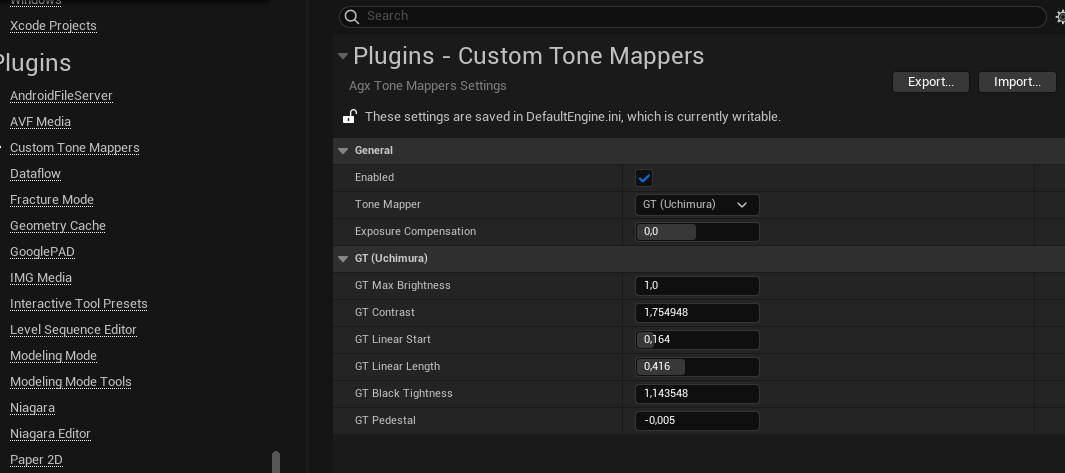
Open Edit → Project Settings → Plugins → Custom Tone Mappers.
You should see the plugin settings section with the Enabled toggle and the Tone Mapper dropdown.
If the section is missing, check the Output Log for errors from LogPluginManager or LogShaderCompilers.