AgX Tone Mappers
AgX Tone Mappers is an Unreal Engine plugin that replaces the built-in tonemapper with six industry-grade alternatives — all configurable from Project Settings, no engine source modification required.
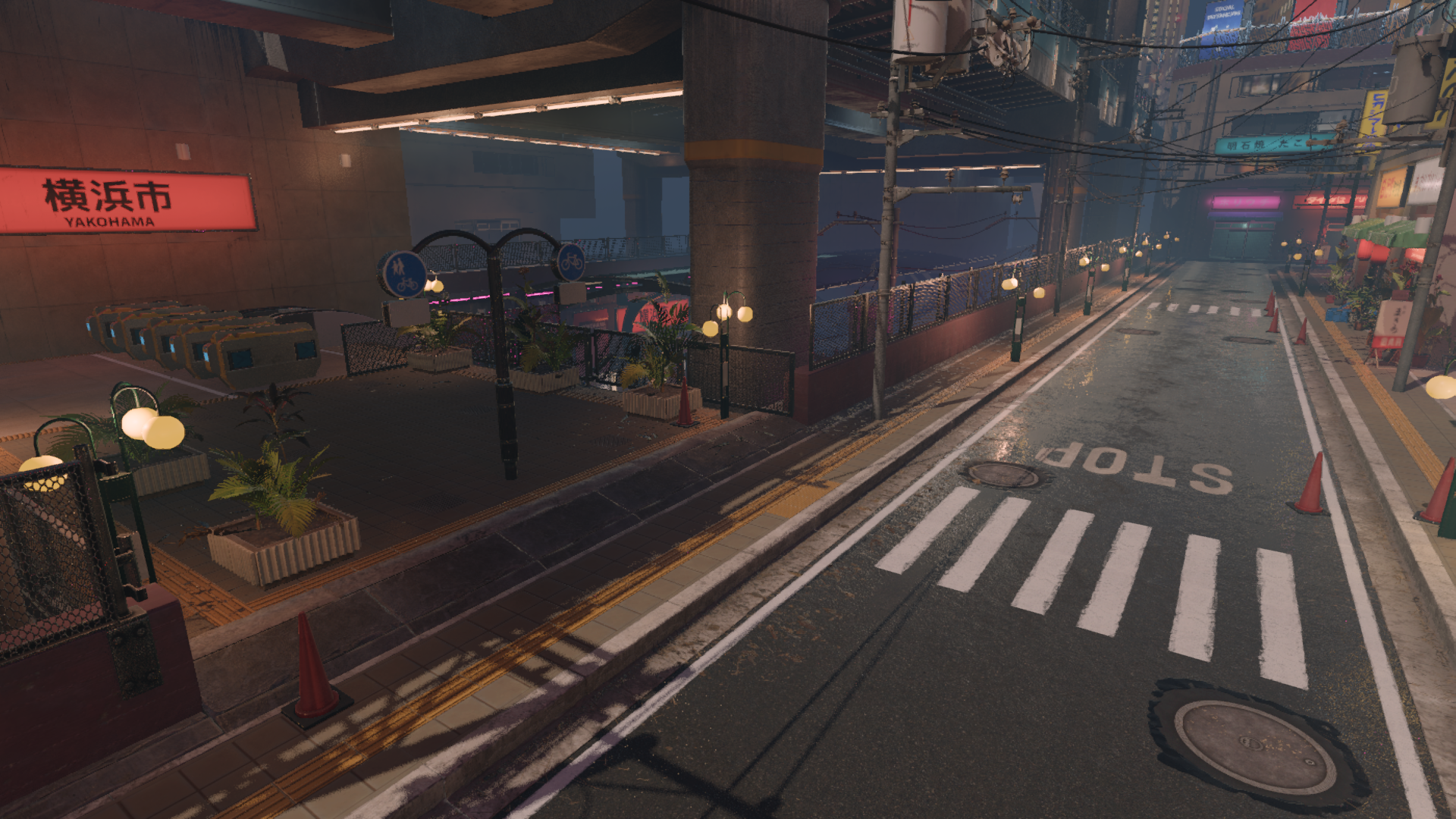
Why a custom tone mapper?
UE's default ACES tonemapper is a good general-purpose solution, but it clips and desaturates highlights in ways that can look artificial. Depending on your art direction you may want:
- More photographic, natural-looking highlights (AgX)
- Full parametric control over the tone curve (GT / Hable)
- A classic filmic look from a specific era (Hejl-Burgess-Dawson)
- A passthrough for HDR workflows or debugging (Linear)
Available tone mappers
| Name | Style | Parameters |
|---|---|---|
| AgX | Color-science based, natural highlights | Look preset (Default / Golden / Punchy) |
| GT (Uchimura) | Fully parametric curve | 6 curve controls |
| Reinhard – Jodie | Classic, parameter-free | None |
| Reinhard – Extended | Classic with configurable white point | Max White |
| Hable (Uncharted 2) | Filmic, parametric | 8 curve controls |
| Hejl-Burgess-Dawson | Vintage filmic (HL2-era) | None |
| Linear | No tone mapping — passthrough | None |
Supported engine versions
| Plugin version | UE versions | Key change |
|---|---|---|
v1.0 | 5.3 | Initial release |
v1.1 | 5.4, 5.5 | FScreenPassTextureSlice API update |
v1.2 | 5.6, 5.7 | ReplacingTonemapper hook, new signature |
Choosing the right version
Download the version that matches your project's engine. See the UE Version Guide for migration notes.
How it works
The plugin uses a FSceneViewExtension to inject a custom RDG screen pass just before the built-in tonemapper, then neutralizes the built-in tone curve so it acts as a simple passthrough. No engine patches, no source modifications.
Scene Color (HDR) → [AgX Tone Mapper pass] → Tonemap (neutralized) → Display Output