DataTable Use Cases
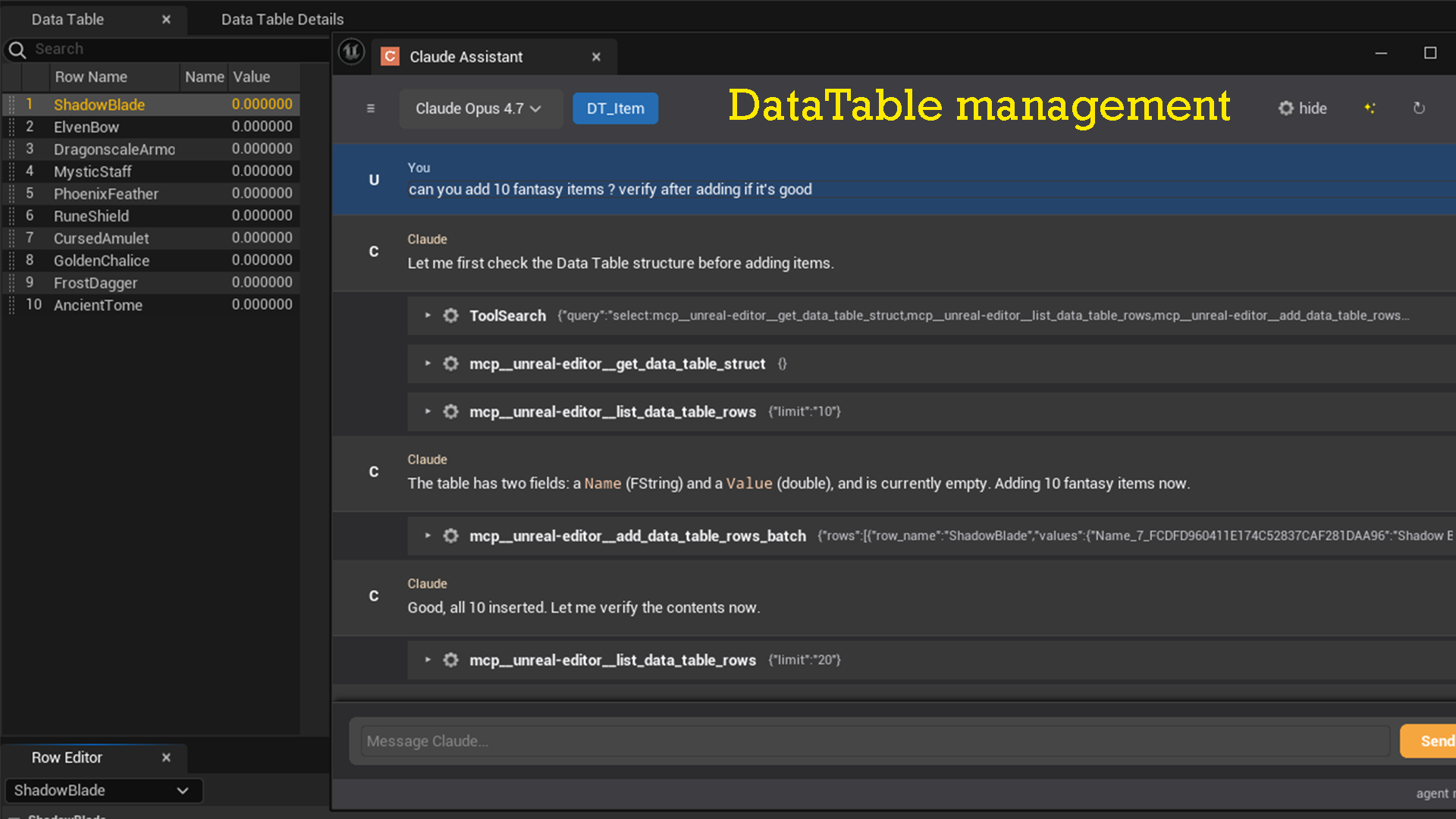
With a DataTable open and focused, Claude can read its schema, inspect rows, and make bulk modifications via the MCP tools.
Understand the row struct
Prompt:
What fields does this DataTable have? Describe each one.
Claude calls get_data_table_struct and explains every field — name, type, and tooltip — in plain language. Useful when jumping into an unfamiliar DataTable.
Inspect existing rows
Prompt:
Show me the first 20 rows and flag any that have an empty Name field.
Claude calls list_data_table_rows with page_size: 20, reads the results, and highlights rows where the relevant field is blank.
Add rows from a list
Prompt:
Add these items to the DataTable:
- Sword: damage 45, weight 3.2, rarity Rare
- Shield: damage 0, weight 5.0, rarity Common
- Bow: damage 30, weight 1.8, rarity Uncommon
Claude calls add_data_table_rows_batch with all three rows in one operation. A confirmation dialog appears before anything is written.
Update a specific row
Prompt:
Change the damage of "Sword" to 50 and set its rarity to Epic.
Claude calls get_data_table_row to verify the row exists, then update_data_table_row with only the changed fields.
Rename rows for consistency
Prompt:
All row names should be PascalCase. Find any that aren't and rename them.
Claude lists all rows, identifies the non-conforming names, and calls rename_data_table_row for each.
Bulk-populate from a description
Prompt:
This is a weapon DataTable. Generate 10 balanced weapons for a fantasy RPG
and add them — vary the damage, weight, and rarity.
Claude generates balanced data and calls add_data_table_rows_batch with all 10 rows at once. Useful for rapid prototyping of game data.
Audit data integrity
Prompt:
Check all rows for obvious issues: missing required fields, values out of range
(damage should be 1–100), or duplicate row names.
Claude pages through the entire DataTable with list_data_table_rows and reports every row that violates the constraints you described.